
Blog / provider setup
Hermes Agent on Bluehost VPS: Setup, Specs & Cost
Bluehost advertises a Hermes Agent VPS path with a one-click setup option, but the purchased server is still your responsibility after provisioning. A reliable deployment needs enough memory and storage for Hermes, a persistent data directory, protected SSH access, one connected channel, a tested restart, and a backup that restores the agent's memories and configuration. The one-click route shortens installation; it does not by itself provide managed channel support or application recovery. Verify the current Bluehost plan, application version, and renewal price in the live order screen.
- 01
Verify the current Bluehost Hermes offer
Review the live Bluehost VPS page, plan specifications, one-click application details, location, renewal price, and support terms before ordering.
- 02
Choose capacity and storage
Size the VPS from the Hermes gateway, expected tools, profile count, persistent data, backups, and room for updates rather than from the entry price alone.
- 03
Complete the install or Docker path
Use Bluehost's current one-click path when available, or create a Linux VPS and follow the official Hermes Docker setup with a persistent data directory.
- 04
Secure access and state
Protect SSH, restrict network ports, isolate model and channel credentials, keep management interfaces private, and record where state and backups live.
- 05
Test restart and recovery
Connect one channel, restart the server, restore a backup into a clean test path, and require both context recall and a real response before wider use.
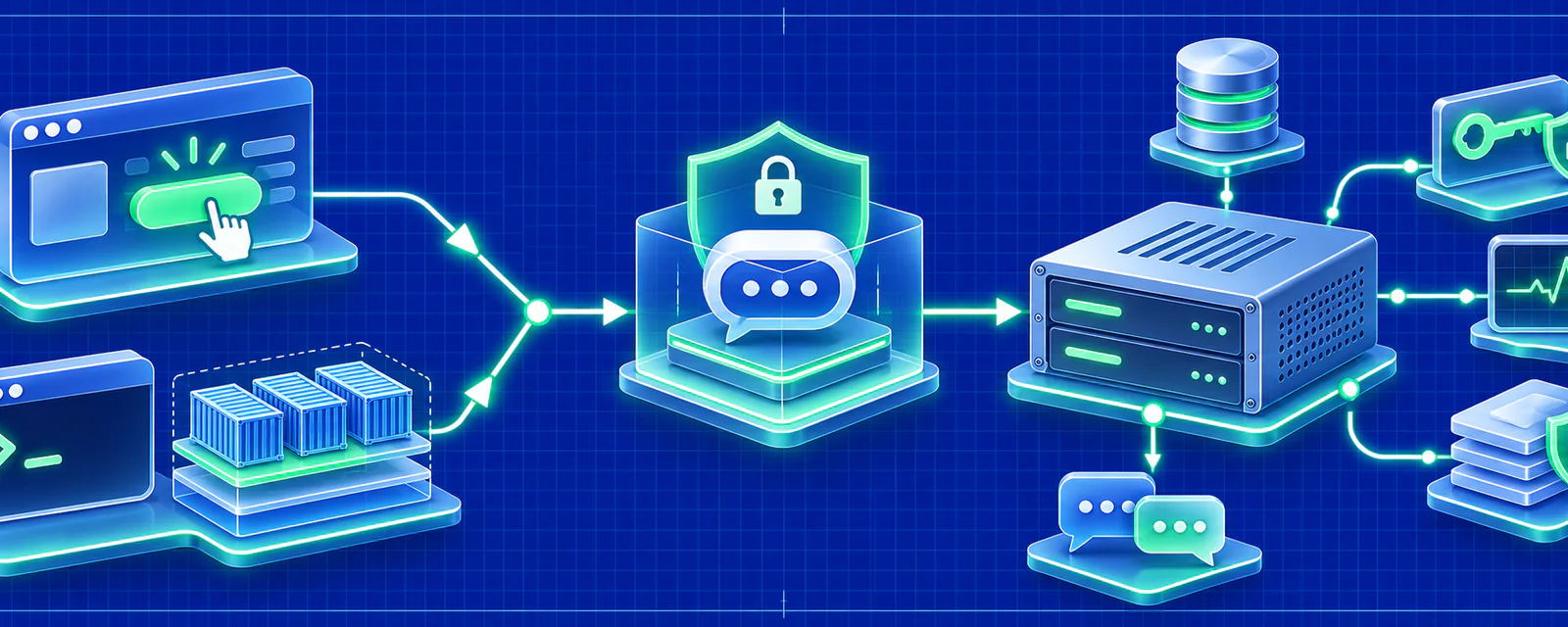
Four-step path
How do you deploy Hermes Agent on a Bluehost VPS?
Confirm what the current Bluehost Hermes offer actually installs, then protect and verify the complete runtime rather than treating provisioning as completion.
- Step 01
Verify the current Bluehost Hermes offer
Review the live Bluehost VPS page, plan specifications, one-click application details, location, renewal price, and support terms before ordering.
- Step 02
Choose capacity and storage
Size the VPS from the Hermes gateway, expected tools, profile count, persistent data, backups, and room for updates rather than from the entry price alone.
- Step 03
Complete the install or Docker path
Use Bluehost's current one-click path when available, or create a Linux VPS and follow the official Hermes Docker setup with a persistent data directory.
- Step 04
Secure access and state
Protect SSH, restrict network ports, isolate model and channel credentials, keep management interfaces private, and record where state and backups live.
- Step 05
Test restart and recovery
Connect one channel, restart the server, restore a backup into a clean test path, and require both context recall and a real response before wider use.
Does Bluehost offer one-click Hermes Agent hosting?
Bluehost currently advertises a Hermes Agent VPS offer with one-click deployment, but the live order screen and support documentation determine which application version, configuration, and management scope you receive.
A one-click application can reduce installation time without making the product fully managed. Confirm whether Bluehost handles Hermes updates, channel repair, application data backups, model credentials, and recovery, or whether those tasks remain with the VPS customer.
Record the exact image or template, operating system, access method, included storage, backup options, and renewal price. If the template is unavailable for the chosen plan or region, use the documented Docker path instead.
Which Bluehost VPS plan fits Hermes Agent?
Choose the smallest Bluehost plan that supports the measured gateway, model, tool, profile, and persistence requirements with enough disk for backups and failed updates.
Bluehost's public Hermes pages and third-party offers can change. Copy the live CPU, RAM, NVMe, storage, transfer, and monthly cap into your comparison. Then inspect actual memory and disk during a real message flow before adding users or tools.
Start with a short observation period rather than permanently buying for peak traffic. Record idle memory, memory during a model request, and memory while the largest expected browser task runs. Watch disk growth after several days of logs, sessions, and tool output. If the host is already swapping or the persistent disk is close to full before backups are included, move up before the deployment becomes difficult to change.
The provider's advertised CPU count is not a complete performance measure. Shared virtual CPUs, disk latency, geographic region, and noisy-neighbor behavior can affect a long-running gateway. Test restart time and channel reconnect time as part of sizing, not only raw model response speed.
Keep a simple resource log for the first week. Record peak memory, free disk, restart duration, and any failed tool run. That baseline makes an upgrade decision objective and prevents two common failures: paying for unused capacity or discovering the disk limit only after backups and sessions have accumulated.
- A private personal assistant needs less capacity than a team bot with schedules, browser tools, and concurrent channels.
- Hermes state, Docker images, logs, sessions, memories, skills, and backups all require persistent disk.
- Browser automation can raise both memory and temporary-storage use.
- Local model inference has separate compute and GPU requirements and should not be inferred from advertised VPS RAM alone.
- Renewal pricing, backup add-ons, support level, and upgrade terms belong in the total-cost calculation.
How do you install Hermes Agent on Bluehost?
Use Bluehost's current Hermes application template if it is available for the selected VPS, then complete the official setup using persistent storage; otherwise install Docker and follow the same setup and gateway sequence manually.
The installation method is less important than the data path. Run interactive setup against the directory that will survive container or application replacement. Keep configuration, provider credentials, sessions, memories, skills, cron jobs, hooks, and logs there.
Pin the runtime version you verified. A floating latest image can introduce migrations or behavior changes without a rollback point.
After setup, connect only one channel and prove the complete path before adding a second. The first test should send a message, call the intended model, receive a response, and retain a small piece of context after a restart. Expanding access before that proof makes it harder to tell whether a later failure belongs to the host, model, or channel configuration.
How should you secure Hermes Agent on Bluehost?
Protect SSH and the host firewall first, keep model and channel credentials out of public files, and place any Hermes dashboard or API behind a private or authenticated access layer.
A VPS firewall controls ports; it does not decide which tools the agent may call or whose data the model provider receives. Define tool permissions and provider data boundaries separately.
Run the agent under a dedicated service account where possible, keep the host dashboard separate from the Hermes data directory, and review which shell commands the agent is allowed to execute. For a team deployment, document who approves new tools or integrations and how permissions are removed when an employee leaves.
If the one-click image enables a web admin panel, confirm whether it is reachable from the public internet and how authentication is configured. A panel that made installation easy can become the weakest part of the deployment when its default port, password policy, or update path is ignored.
- Use SSH keys, a restricted administrative source, and current operating-system and Docker updates.
- Expose only the network paths required by the selected Hermes workflow.
- Use dedicated Telegram, Discord, or WhatsApp identities with limited permissions.
- Do not treat VPS isolation as protection from prompt injection, unsafe tools, or leaked API keys.
- Document credential rotation and the action to take if the server or a bot token is compromised.
How do you back up Hermes Agent on Bluehost?
Keep an application-consistent backup of the complete Hermes state directory outside the VPS and restore it into a clean runtime before treating it as a valid recovery copy.
A provider snapshot can recover the whole virtual machine, but it may not be portable or easy to inspect. A Hermes data backup should include provider configuration, channel credentials, sessions, memories, skills, cron entries, hooks, and logs.
Test the restore with the recorded image version and current credentials. Success means the agent recalls existing context and sends a real reply in the target channel, not merely that the server boots.
Store at least one recovery copy outside the Bluehost account boundary. A compromised account, billing suspension, or region failure can make the VPS and its snapshots unavailable at the same time. Encrypt the backup, record the key owner, and document how credentials will be rotated before restored secrets are reused.
When is managed Hermes hosting better than Bluehost?
Managed Hermes hosting is better when the team wants a working messaging assistant without owning server updates, Docker, model credentials, channel recovery, and backups; Bluehost is better when root control and a broader VPS environment are required.
A Bluehost one-click installation can be an efficient first step for an experienced operator. The decision changes when nobody wants to maintain the server or diagnose why a channel stopped after an update.
Compare the complete cost of the VPS plus model usage, backup storage, support, and operator time with the managed plan. Choose the ownership model that matches the team, not only the lowest first invoice.
Estimate the operator hours needed for the first month and for a normal maintenance month. Include security updates, image updates, backup verification, channel troubleshooting, and model-provider changes. A VPS remains cost-effective only when those tasks have an owner and can be completed before they block the assistant.
Which primary sources support this page?
Product behavior is checked against the current deployment flow. These external links provide the upstream project or channel documentation used for setup details.
Direct answers
Frequently asked questions
Is Bluehost Hermes Agent VPS hosting fully managed?
Treat the offer as a VPS unless the current contract says otherwise. One-click installation does not automatically include Hermes application updates, channel repair, data backups, or recovery.
Can I install Hermes manually if Bluehost's template is unavailable?
Yes. Create a supported Linux VPS and follow the official installation or Docker path with a persistent data directory.
Which Bluehost plan is enough?
Size from the actual gateway, tools, profiles, storage, and recovery space. A light private assistant and a team bot with browser automation need different resources.
Does a Bluehost snapshot replace a Hermes backup?
No. Keep an application-consistent data backup and test a portable restore in addition to any server snapshot.
Can I move Hermes Agent away from Bluehost later?
Yes, if the persistent state is portable and you record the image and configuration. Verify the destination restore before deleting the original VPS.
Key takeaways
- Bluehost advertises a Hermes Agent VPS path with a one-click setup option, but the purchased server is still your responsibility after provisioning. A reliable deployment needs enough memory and storage for Hermes, a persistent data directory, protected SSH access, one connected channel, a tested restart, and a backup that restores the agent's memories and configuration. The one-click route shortens installation; it does not by itself provide managed channel support or application recovery. Verify the current Bluehost plan, application version, and renewal price in the live order screen.
- Start with one model, one channel, and one controlled test conversation.
- Use managed hosting when deployment speed matters more than operating the server yourself.
Continue the setup
Related Hermes Agent guides
Blog guide
Best VPS for Hermes Agent: Specs, Cost & Providers
Find the best VPS for Hermes Agent by CPU, RAM, disk, providers, persistence, uptime, cost, and managed alternatives.
Read nextBlog guide
Hermes Agent VPS Requirements: CPU, RAM & Disk
Plan CPU, RAM, disk, Linux, and Docker for Hermes Agent. Compare a small personal bot with browser, cron, and team workloads.
Read nextBlog guide
Hermes Agent on Hostinger VPS: Setup & Cost
Deploy Hermes Agent on a Hostinger VPS with Docker, persistent storage, firewall checks, and a clear comparison to Hostinger Managed Hermes.
Read nextBlog guide
Hermes Agent on OVH VPS: One-Click or Docker?
Does OVHcloud offer one-click Hermes Agent hosting? See the current answer, VPS sizing, Docker setup, persistence, firewall, and cost.
Read nextBlog guide
Best Managed Hermes Agent Hosting: 5 Options Compared
Compare managed Hermes Agent hosting from Hostinger, Cloudways, OVHcloud, Nous Cloud, and HermesAgent by setup, channels, control, and cost.
Read nextUse case
Managed vs Self-Hosted Hermes Agent: Which Fits?
Compare managed and self-hosted Hermes Agent by setup time, control, cost, security, channels, and ongoing operations before you deploy.
Read next